a walk-through, start to finish
Your first reality, from blank screen to finished file.
Five stops, one journey. At every one, you can type the move or say it out loud — they're equals here, and in the app. Rehearse each step below before you try it for real.
Type it, or say it — both roads lead to your first reality.
The empty screen isn't waiting for you to figure something out — it's waiting for either a dropped photo or a described one. Try the rehearsal: type the idea and press generate, or tap the mic and say it out loud. Same destination, either door.
drop a photo, or describe one below
What lands is real, and it's already yours to bend.
The moment a reality lands, the hint chips change with it — they stop suggesting ideas and start suggesting edits, and the talk door is still right there underneath. Tap any hint below, by hand or by voice, and watch it register.
your canvas, just landed
tap a hint above, either way, to see it register
Say the change, or type it — the photo just believes you.
This is the whole app in one move: an instruction goes in, a new photo comes out, and the old one isn't gone — it's just one step back. Write your own line below, or tap a ready one to hear it spoken and watch it land.
Nothing is thrown away. Every edit forks a new branch.
Every instruction you've ever tried is still sitting in the tree below — nothing overwrites anything. Click around to see the lineage, or say "back to the seed" to jump straight to the beginning, hands-free.
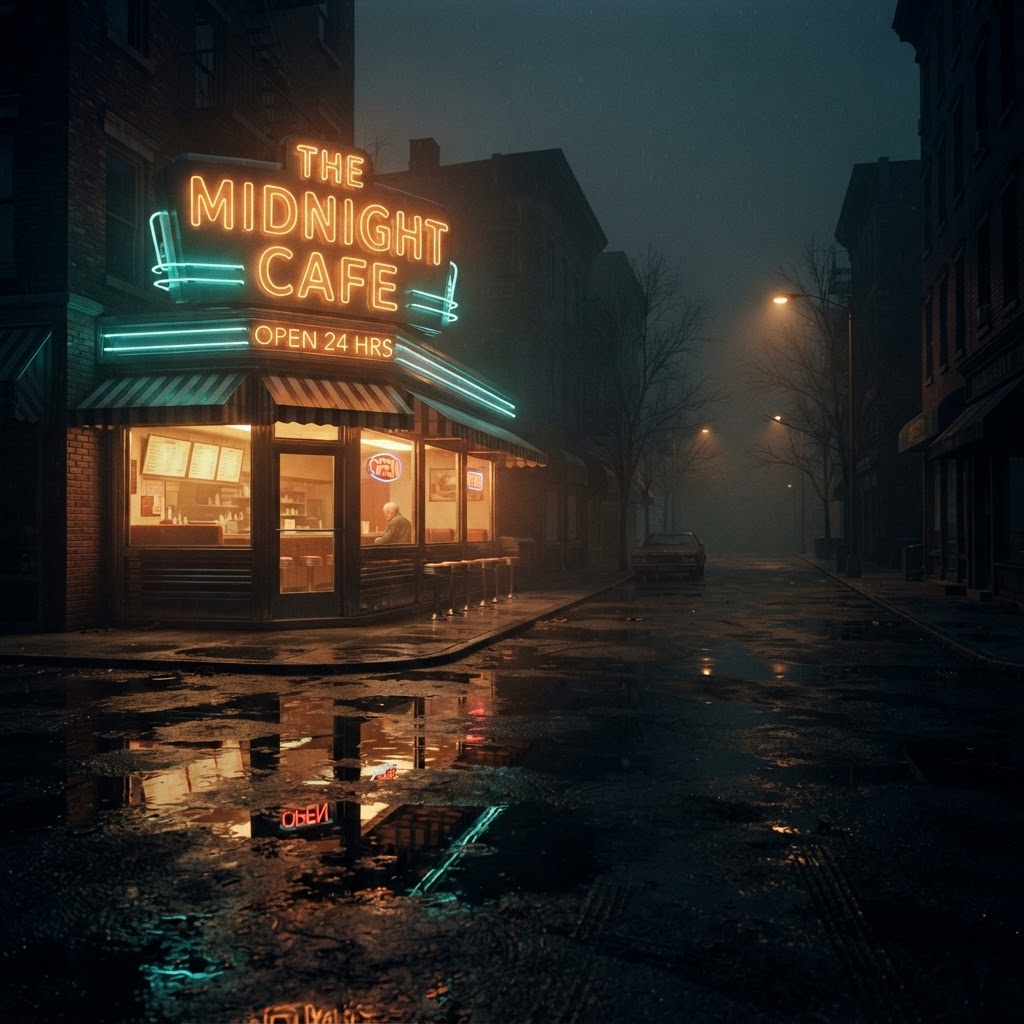
1950s noir
real component — practice data
You leave holding a file, not a memory of one.
Drag the handle to see any state against where it came from — the same gesture works on your own edits, any time. When one looks right, it downloads as a real image file, yours to keep.
real slider, practice images — drag it
download this sample — a real file, right nowwhat you walk away with